


How to integrate Highrise with Magento 2

If you don’t want your name under the old-fashioned store owner then you must integrate Highrise with your Magento store and if you are looking for how to integrate Highrise with Magento 2, this article is for you.
First, you need to understand what Highrise is?

Highrise is a CRM solution which includes the function of managing customer communications and storing all customer information. It can also track business transactions and it also allows you to import data from your Magento store.
How to integrate Highrise on Magento 2
To integrate Highrise
- Step 1: Sign up the Zapier account
- Step 2: Sign up the Highrise account
- Step 3: Integrate Magento 2.x
- Step 4: Integrate Highrise this step will get all information from your Magento 2.x store.
Step 1: Sign up the Zapier account
- Signup Zapier
Step 2: Sign up the Highrise account
- Signup Highrise
- When you log in into Zapier, select Make a Zap to start integrating.
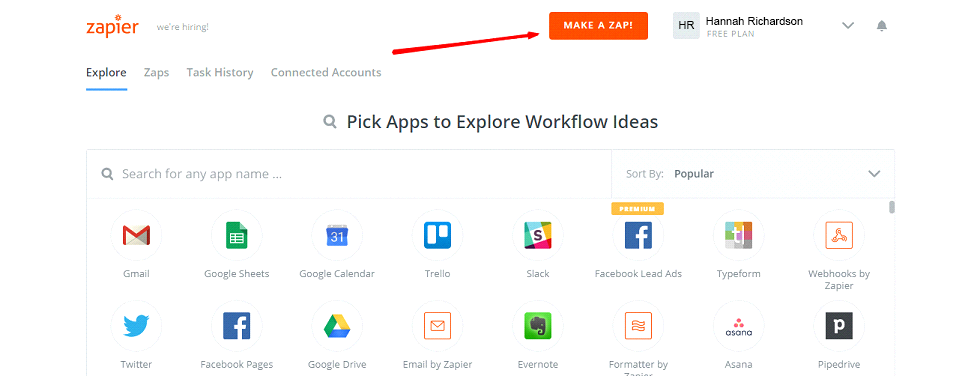
Step 3: Integrate Magento 2.x
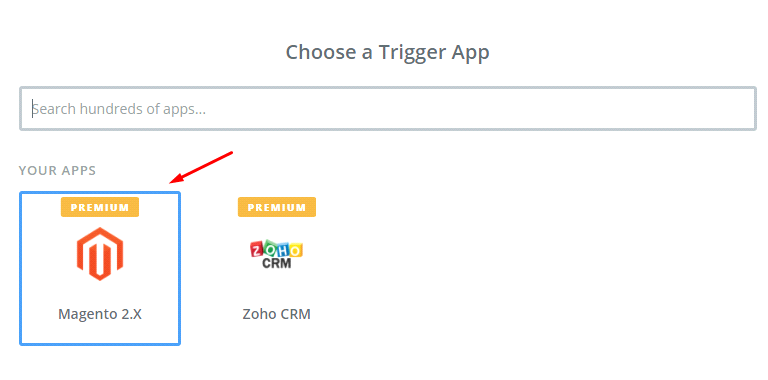
- In this set up step, choose a Trigger App which you want to integrate with your Magento 2 store.
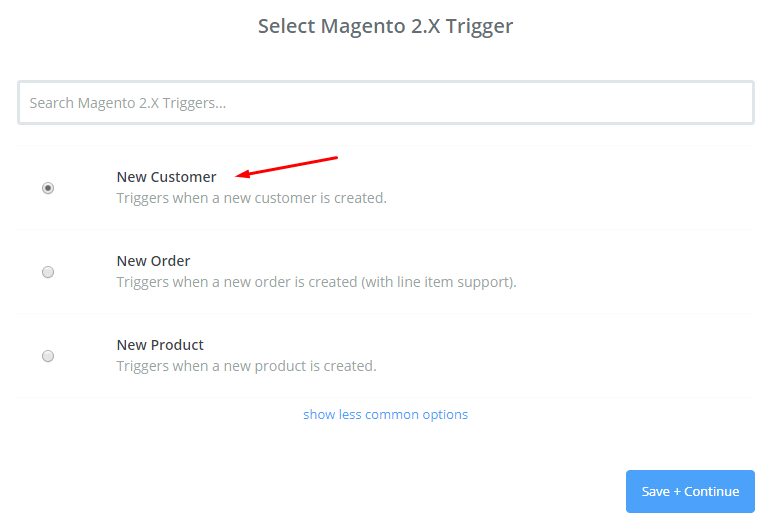
- Now here, select Magento 2.x Trigger in the drop-down list such as new customer, then save + continue
- Then you have to connect an account to select Magento 2.x Account for that enter full domain, admin username and admin password of your Magento 2.x store as an image below:
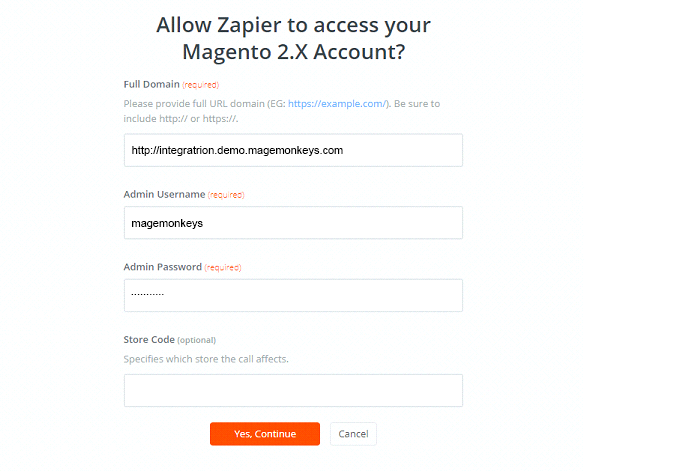
- After creating your Magento 2.x account, your screen will display as the following image, and then click on Save + Continue:

- Awesome, you have successfully tested Magento 2.x. Please continue doing for the next step.
Step 4: Integrate Highrise
- In Choose an Action Appfield, select Highrise
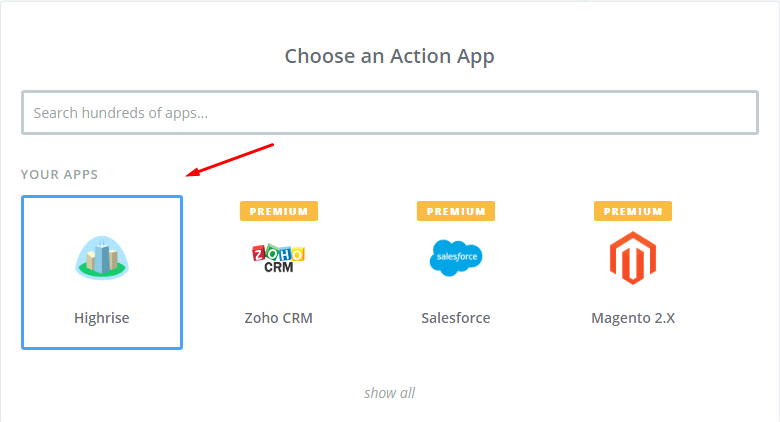
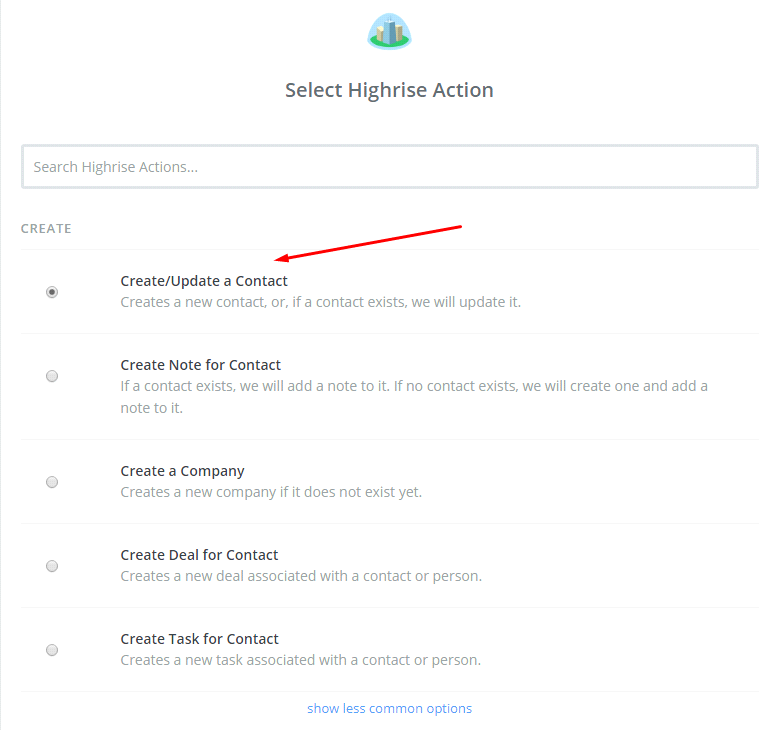
- After that, select Highrise action as create contact and click on Continue:
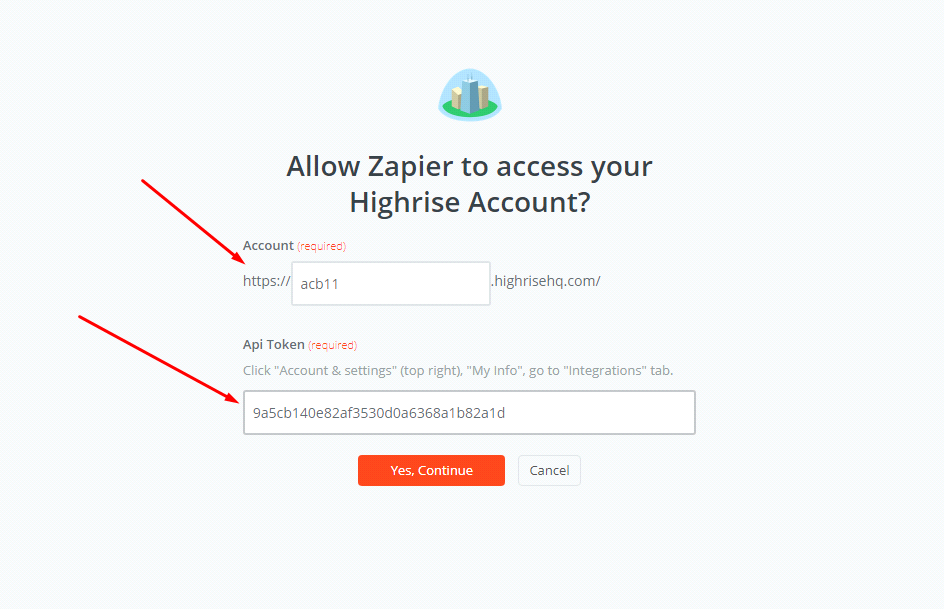
- Next, you have to select Salesforce account so Click on Connect an Account and follow the instructions.
- Fill all required information in this page and then click on Save + Continue
- Further, in this step you need to set up template. Please Set up Highrise contact, for that enter all required information that includes in that, then, select Continue box.
- Now, you have tested Highrise successfully. Finally, click on Finish and then set the name your zap to complete.

- Wondeful! Your Zap is working and from now it will auto-check your Magento 2.x new customer.

- Lastly, here is the contact that you have just created.
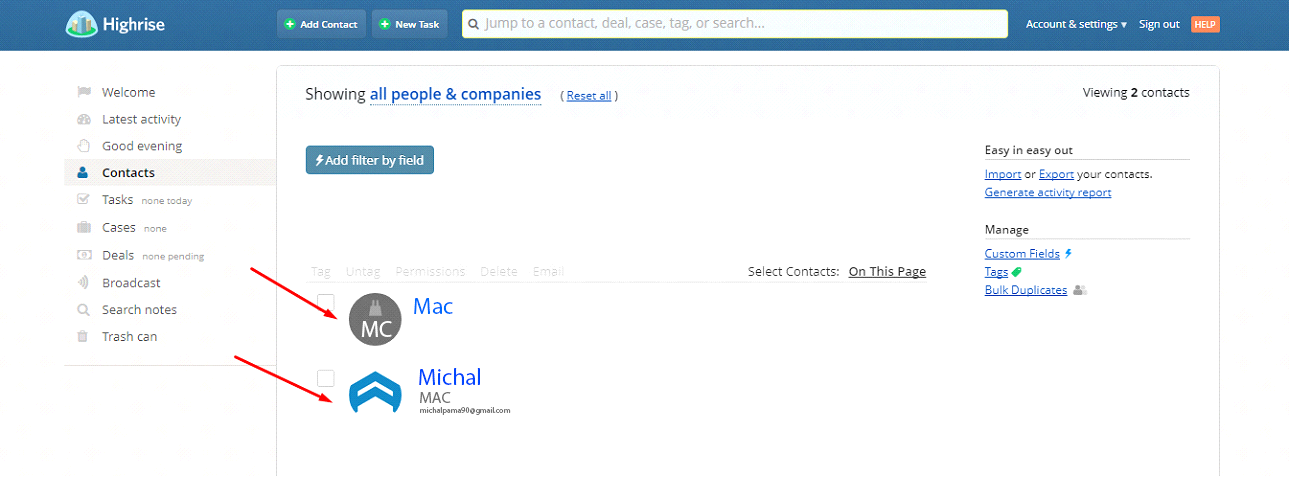
With this we come to the end of tutorial on How to integrate Highrise with Magento 2.
Highrise CRM is a great tool. It will help your business perform better. It saves your time in managing customer data as well as helps increase the conversion rate dramatically.
Fill the form below if you need us to connect your Magento store with Highrise.