


How to integrate Pipedrive with Magento 2?

Pipedrive is a great sales management solution (CRM) that you should not ignore for your Magento store. It’s very useful for your Magento 2 store and it’s a pity if you have not explored this wonderful CRM yet.
This tutorial will help you in integrating Pipedrive with your Magento 2.
What is Pipedrive?

Pipedrive provides an intuitive and flexible user interface which helps you in keeping track of all sales management activities. Another great feature of Pipedrive is that it provides sales reporting tools for monitoring, analyzing sales data and creating visual reports.
If you integrate Pipedrive with your store then you will save lot of time in managing your store and that time you can utilize in promoting your brand in Magento market.
How to integrate Pipedrive on Magento 2
To integrate Pipedrive
- Step 1: Sign up the Zapier account
- Step 2: Sign up the Pipedrive account
- Step 3: Integrate Magento 2.x
- Step 4: Integrate Pipedrive
Step 1: Sign up the Zapier account
- Signup Zapier
Step 2: Sign up the Pipedrive account
- Signup Pipedrive
- When you log in into Zapier, choose Make a Zap to start integration.

Step 3: Integrate Magento 2.x
- Here, choose Magento 2.x so that Zapier can get all data from your store.
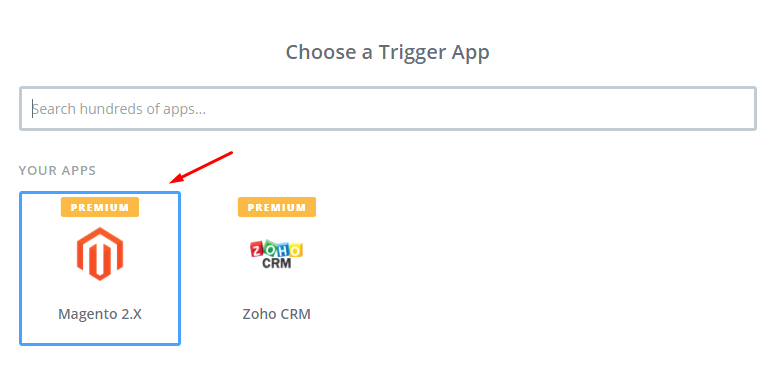
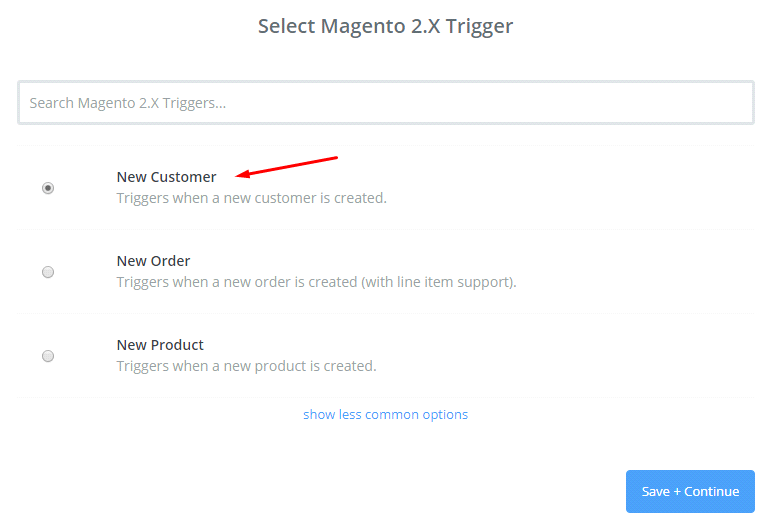
- In this step, choose New Customer in select Magento 2.x Trigger field and then click on save+continue.
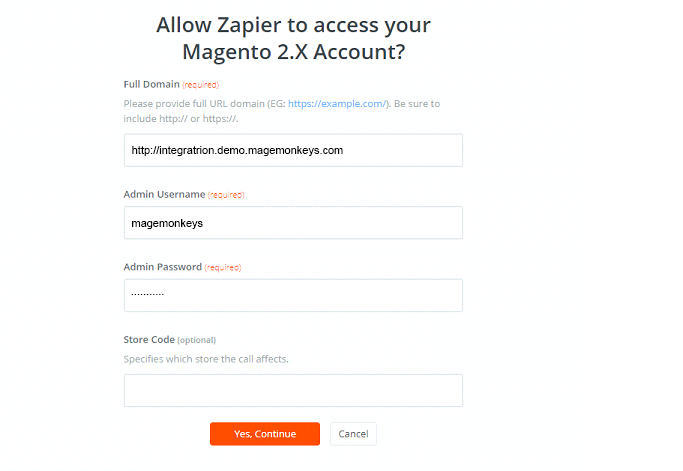
- Next, you have to connect an Account in select Magento 2.x account field. For this you need to enter full domain, admin username and admin password of your Magento 2 store as the image below:
- After creating your Magento 2.x account, your screen will display as following image. Then, choose Save + Continue.
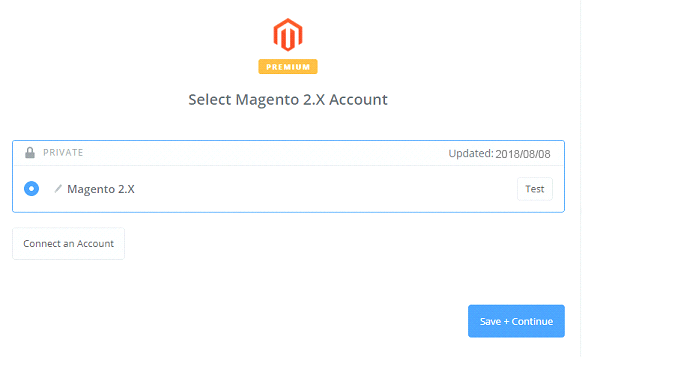
- Great! You have just tested Magento 2.x successfully. Please continue doing the next step.
Step 4: Integrate Pipedrive
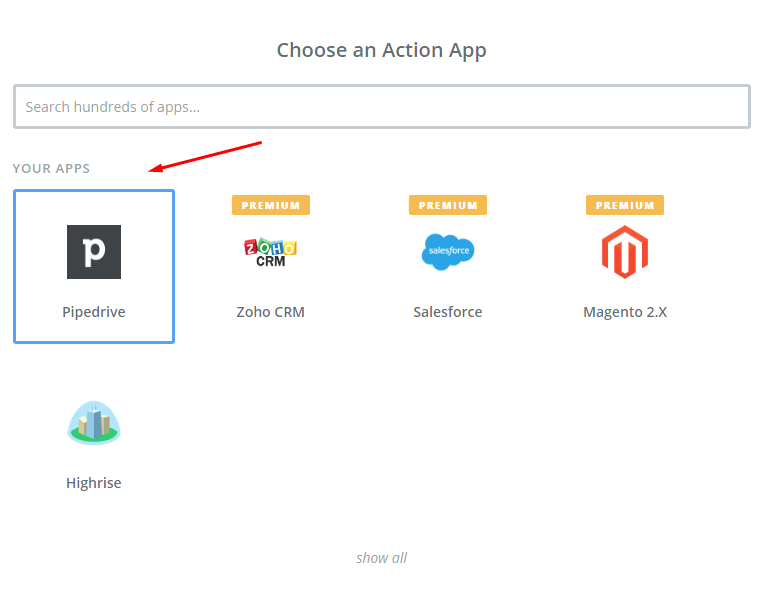
- In Choose an Action App field, select Pipedrive
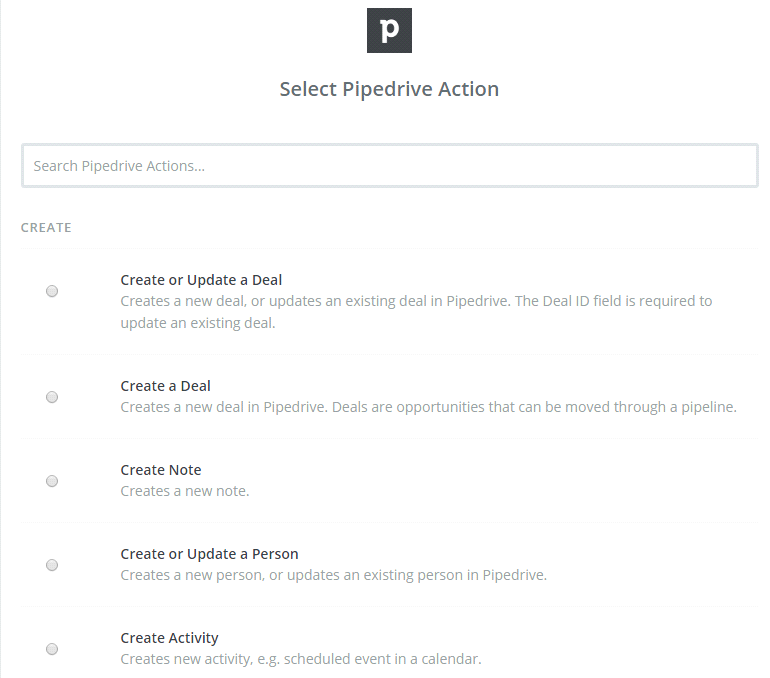
- In Select Pipedrive Action field, you have to choose one of the options that you want to create on the Pipedrive and then click on Continue:
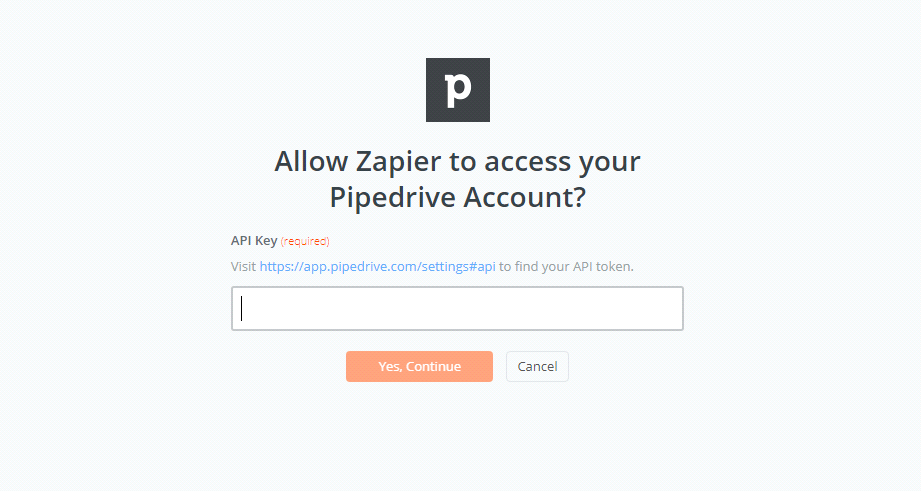
- Next, you need to select Pipedrive account for this click on Connect an Account and follow the guide.
- Please enter all required information in this page and then click on Save + Continue
- Further, you have to set up Pipedrive Deal and then make sure to enter all required fields in this page, choose continue box.
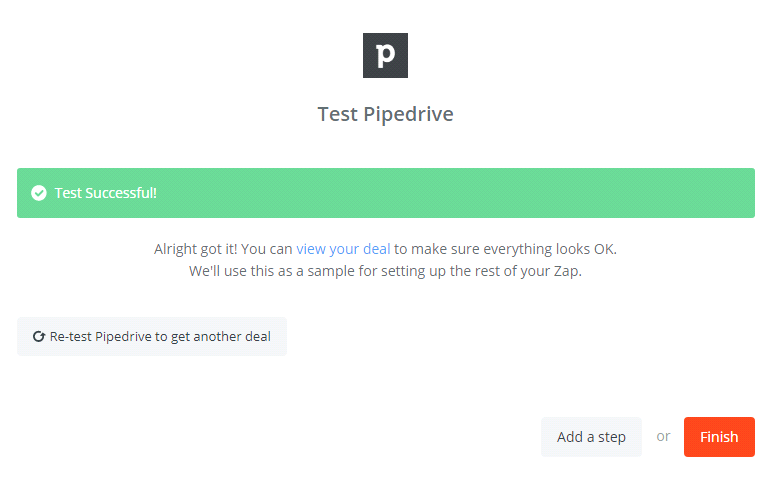
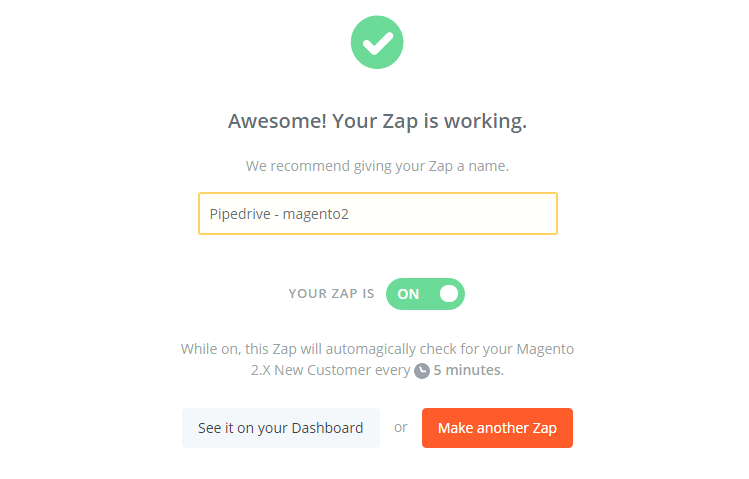
- Now, you have tested Pipedrive successfully. Finally, click on Finish and set the name your zap to complete.
- Your Zap is working and it will auto-check for your Magento 2.x new customer.
- After all, here is the contact that you have just created.


With this we come to the end of tutorial on How to integrate Pipedrive with Magento 2.
Thus, Pipedirve is a user-friendly application. The integrated Pipedrive CRM will give you an overview of your sales and also helps you track the progress of salespeople. We strongly recommend to all our merchants to opt for this great application.
Fill the form below if you need us to connect your magento store with Pipedrive.