


How To Add Facebook Like Button On Your Magento Store?
Today many sites you visit have a link to like & share their article, page or product with your Facebook friends. Facebook sharing is increasing day by day to reach the maximum number of people hence this article will it little easier for your customer to share your products with their Facebook friends.
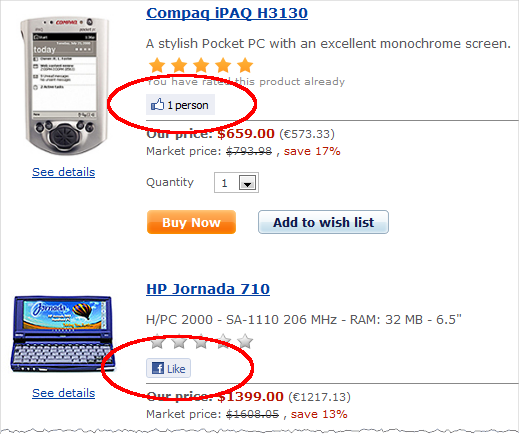
To explain you in a better way we have used the Magento default theme as a reference. You can adjust your code slightly if you are using a custom theme.
Get Facebook Like Button code
Here, we are adding Facebook like button to your product view.
With your favourite text editor, I like Notepad++ ,
open
/app/design/frontend/base/default/template/catalog/product/view.phtml and around line 57 find the following code:
Refresh your product view page and see the like button. If you don’t see any change then you may need to refresh the Blocks HTML output cache in System > Cache Management.
To Conclude
Social media has become an inseparable organ of the businesses today. You can use social media for social advertisement, social login plugins or social sharing. It is helping businesses in countless ways. Which kind of social media option do you use in your business? Do let us know in the comment section below.
FACING TECHNICAL PROBLEMS IN YOUR MAGENTO SITE?
FILL THE FORM BELOW & HIRE MAGENTO CERTIFIED DEVELOPERS TO GET SOLUTIONS.